ONLINE APP TRAINING

Build Better Apps Faster

Learn beginner app development, mobile UI, and no-code builds with clear lessons, project work, and mentor feedback. Finish with a certificate track and a plan to launch your app.
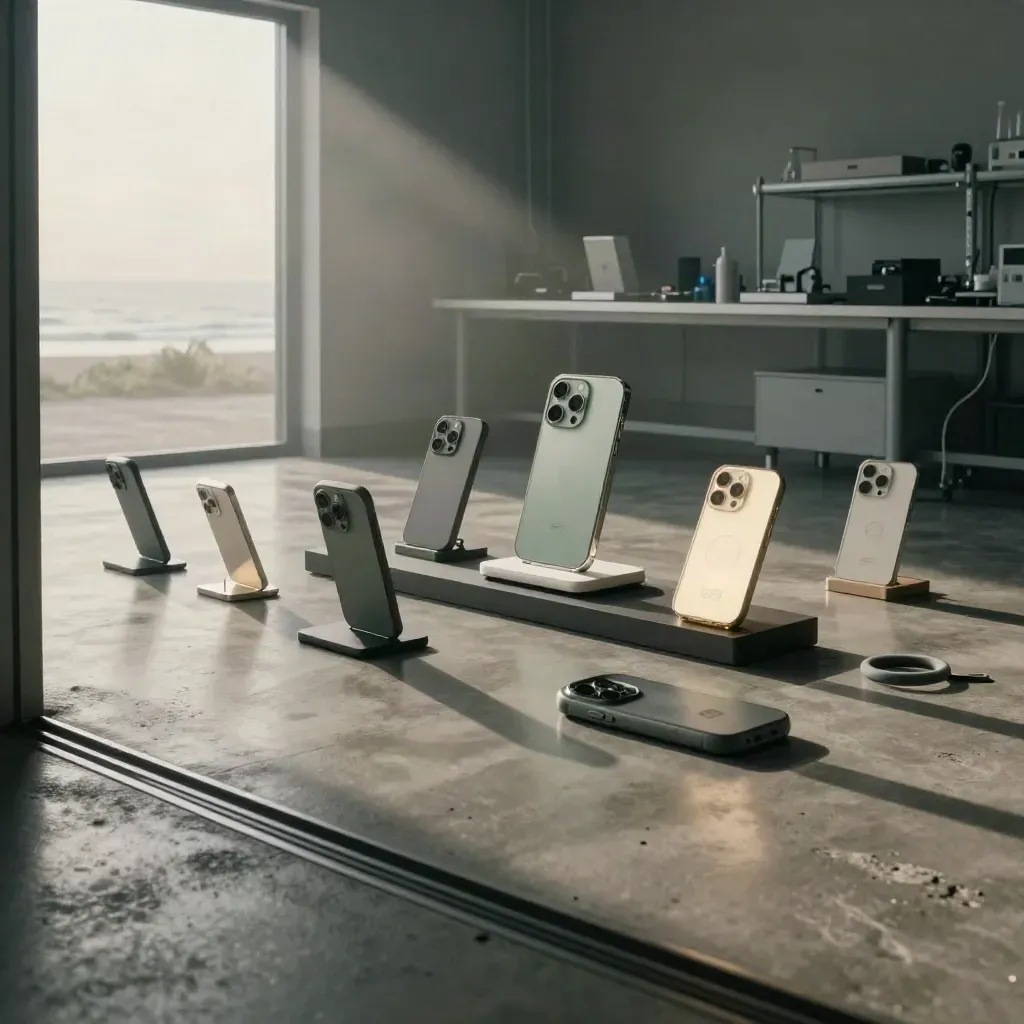
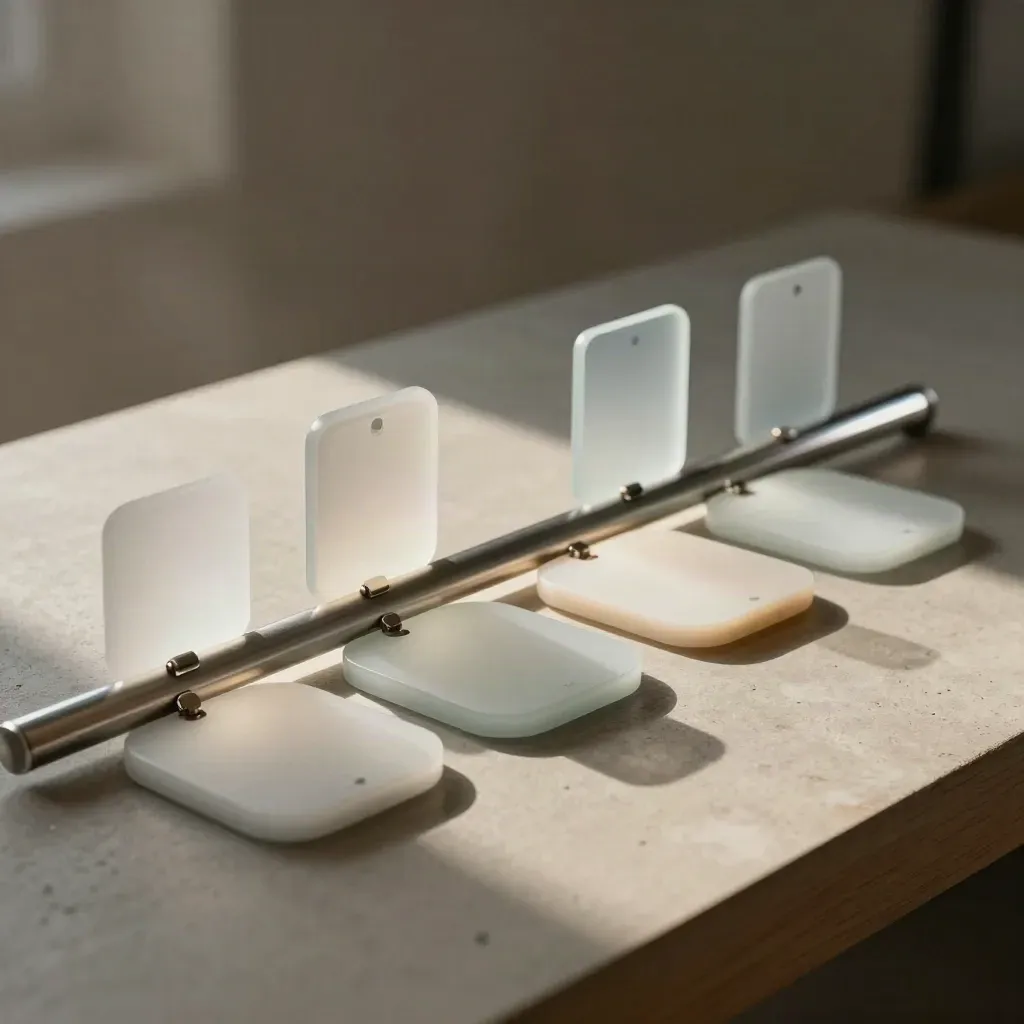
App academy lab with prototype phone dock, acrylic panels, and moody sunrise light

Metric 01

12 weeks

average course path

Metric 02

4.8/5

student rating

Metric 03

220+

apps, labs, and capstones

HOW IT WORKS

Four Steps To Ship

Start with app basics, screens, and simple logic in a step-by-step class.
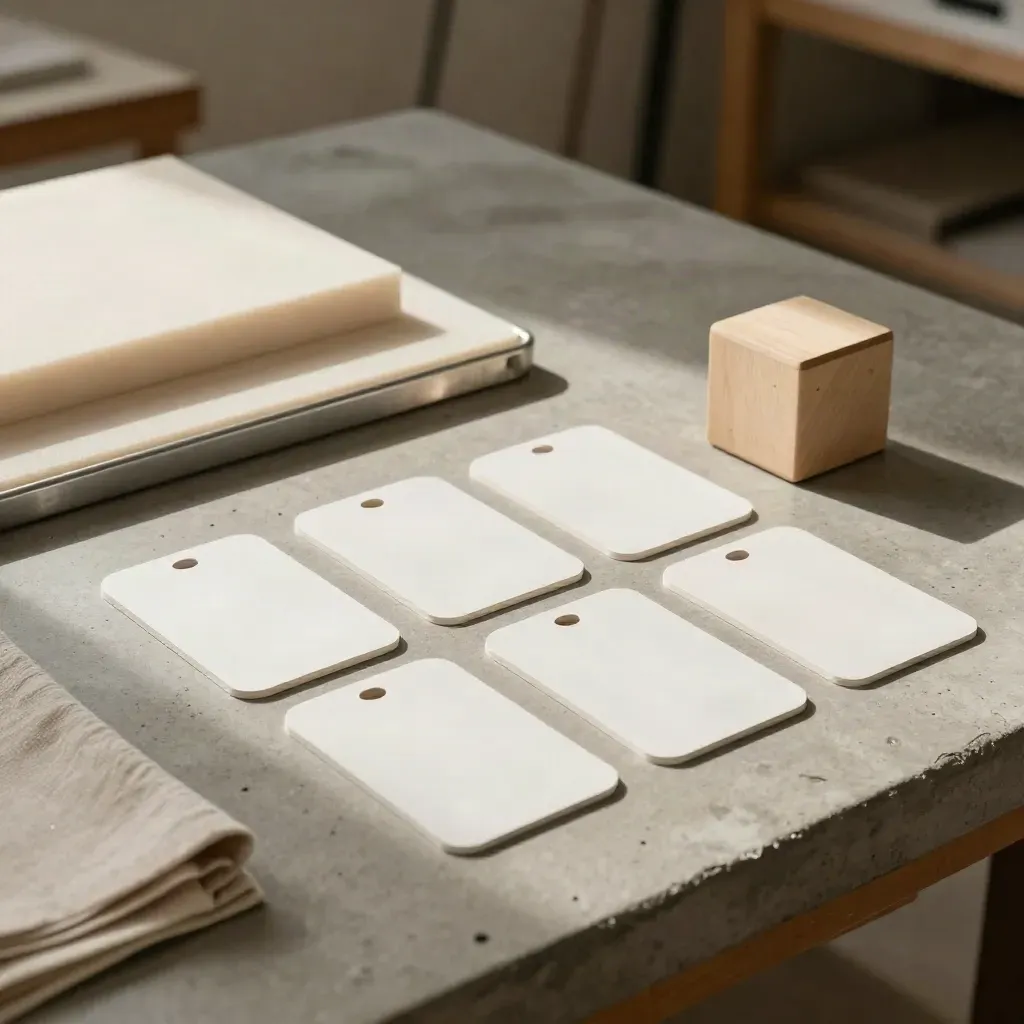
Blank app cards, prototype shell and wood cube on concrete bench in warm window light.

6-week course

Beginner App Course

From $199

Start with app basics, screens, and simple logic in a step-by-step class.
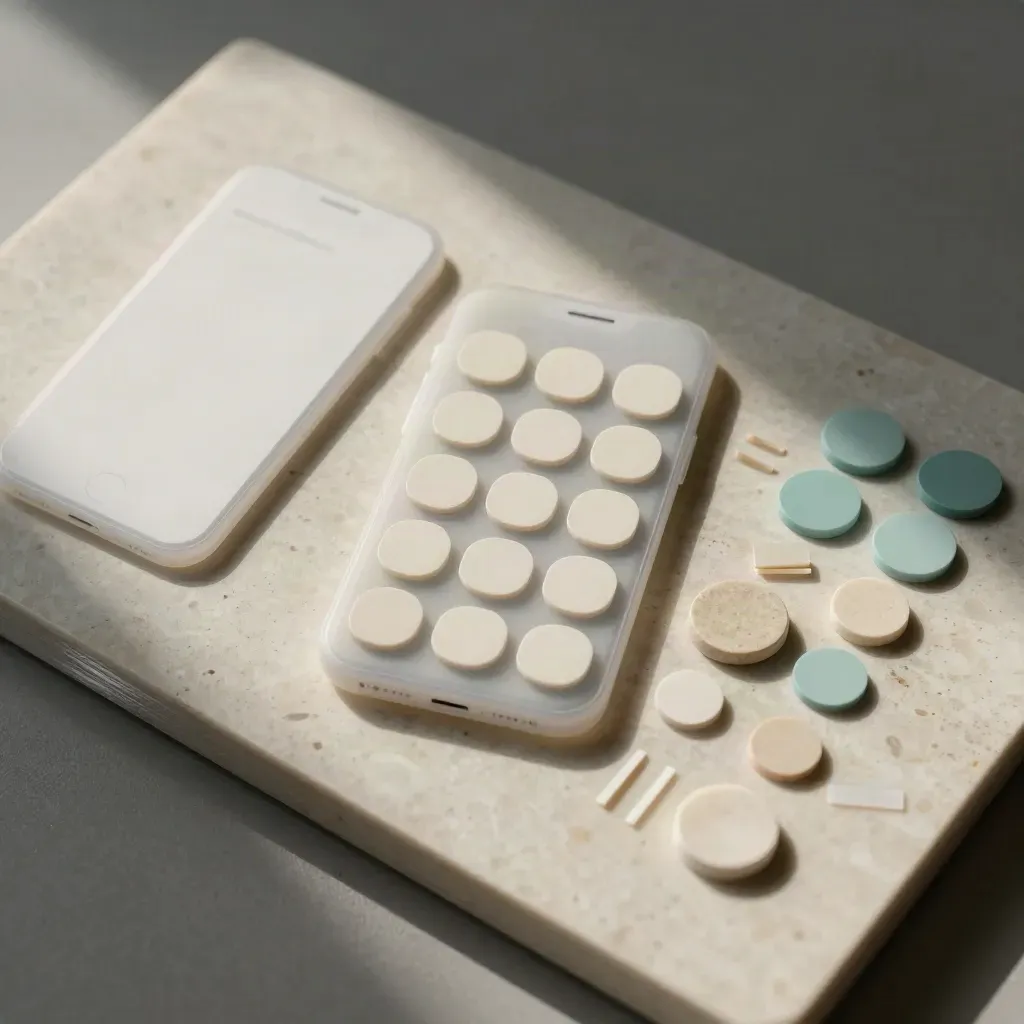
Top-down layout of frosted phone-frame templates, rounded button blanks, and cream-teal color chips.

4-week class

Mobile UI Lessons

From $249

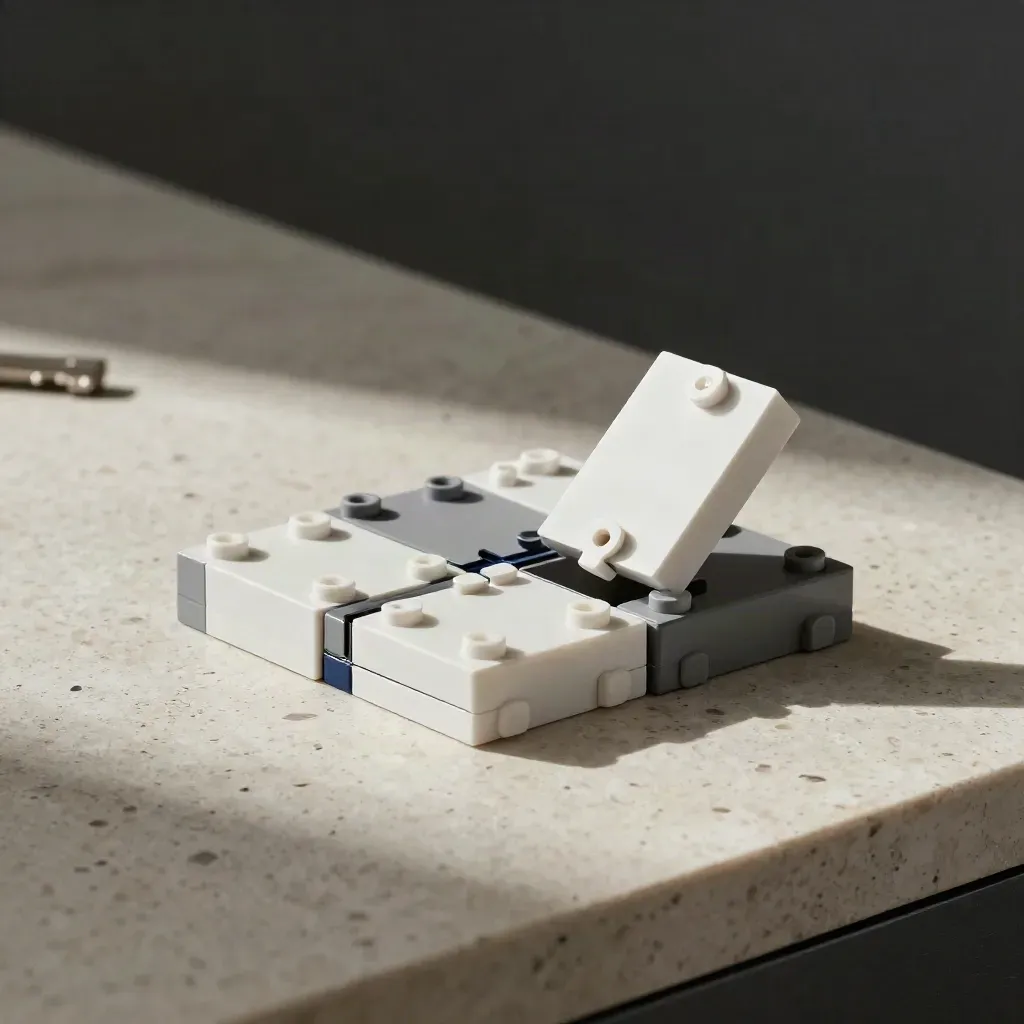
Module blocks snapping together beside a blank app shell on a travertine surface.

5-week lab

No-Code Build Labs

From $299

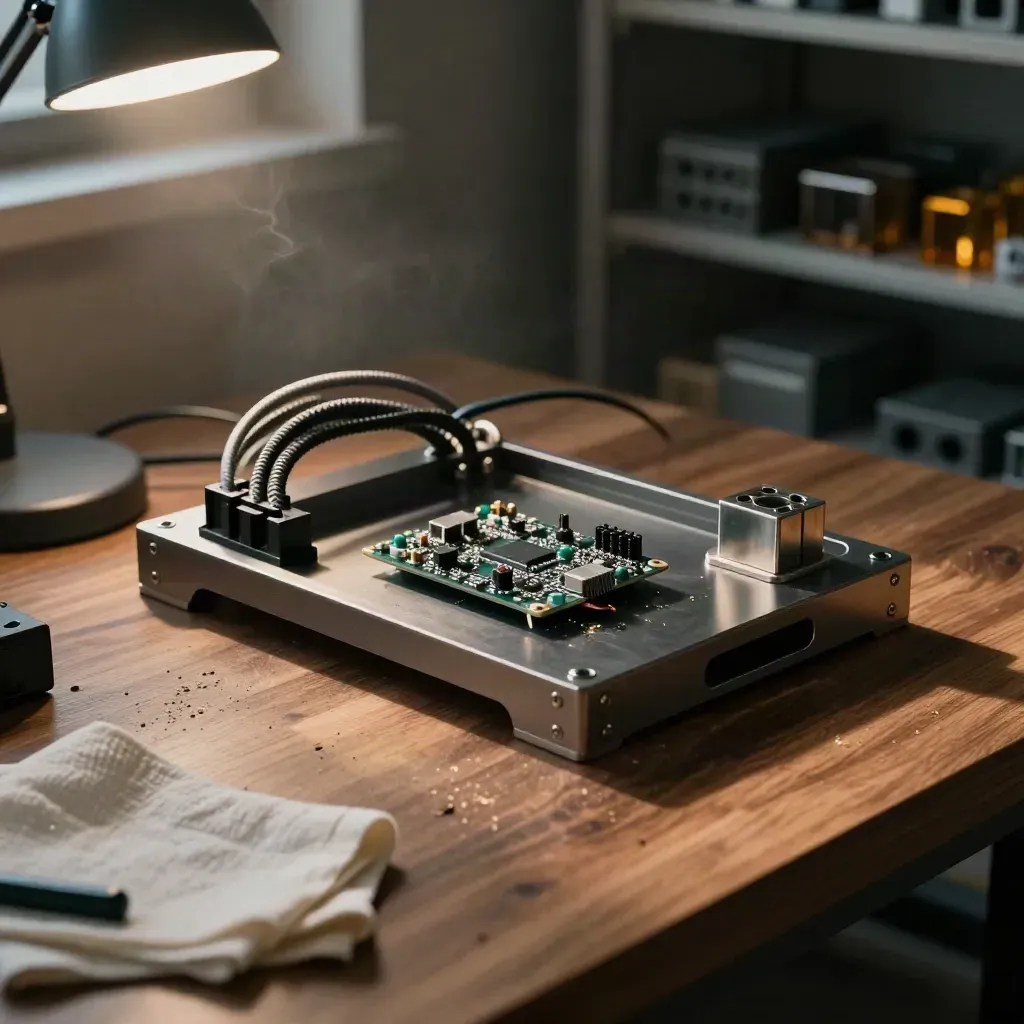
Prototype chassis and dev-board assembly glowing on a walnut workbench in warm afternoon light.
018 sessions

Project Coding Workshop

From $349

Build one app project from brief to demo with code help and review.
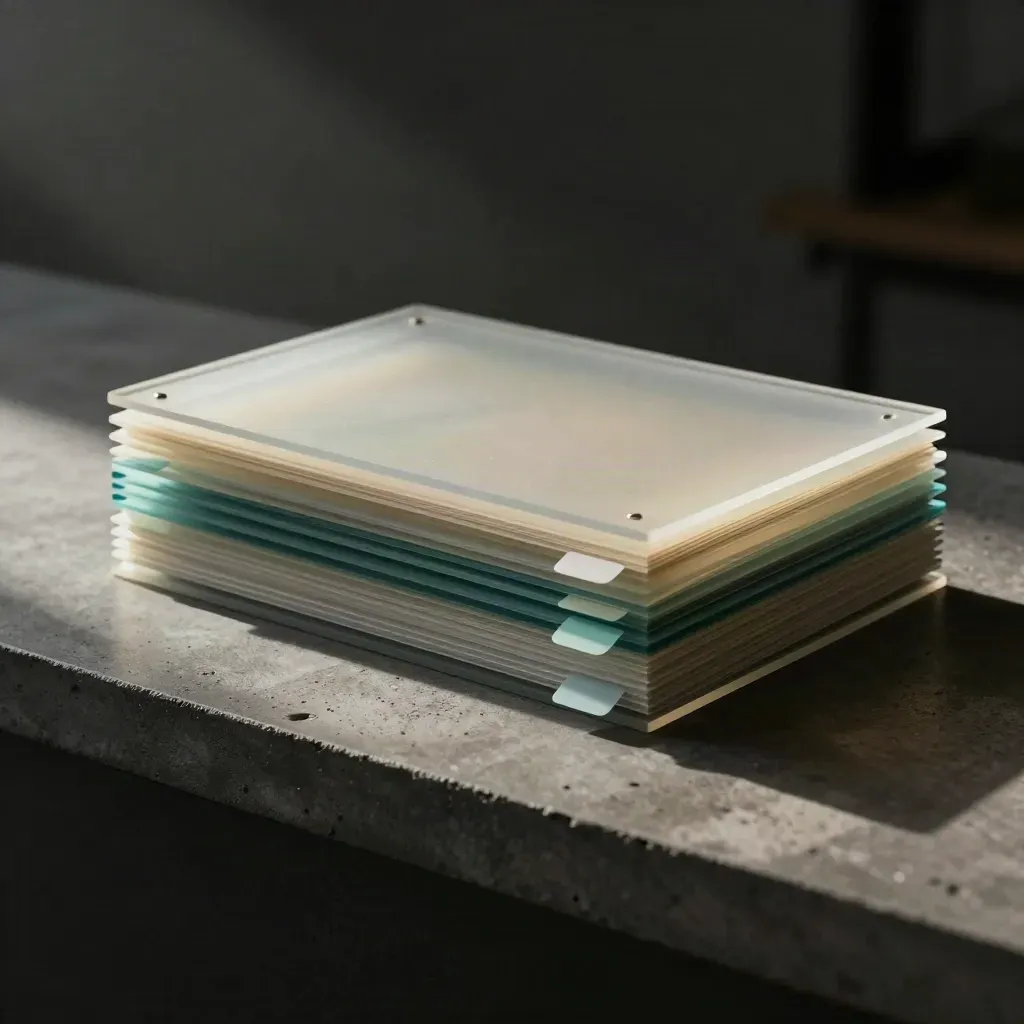
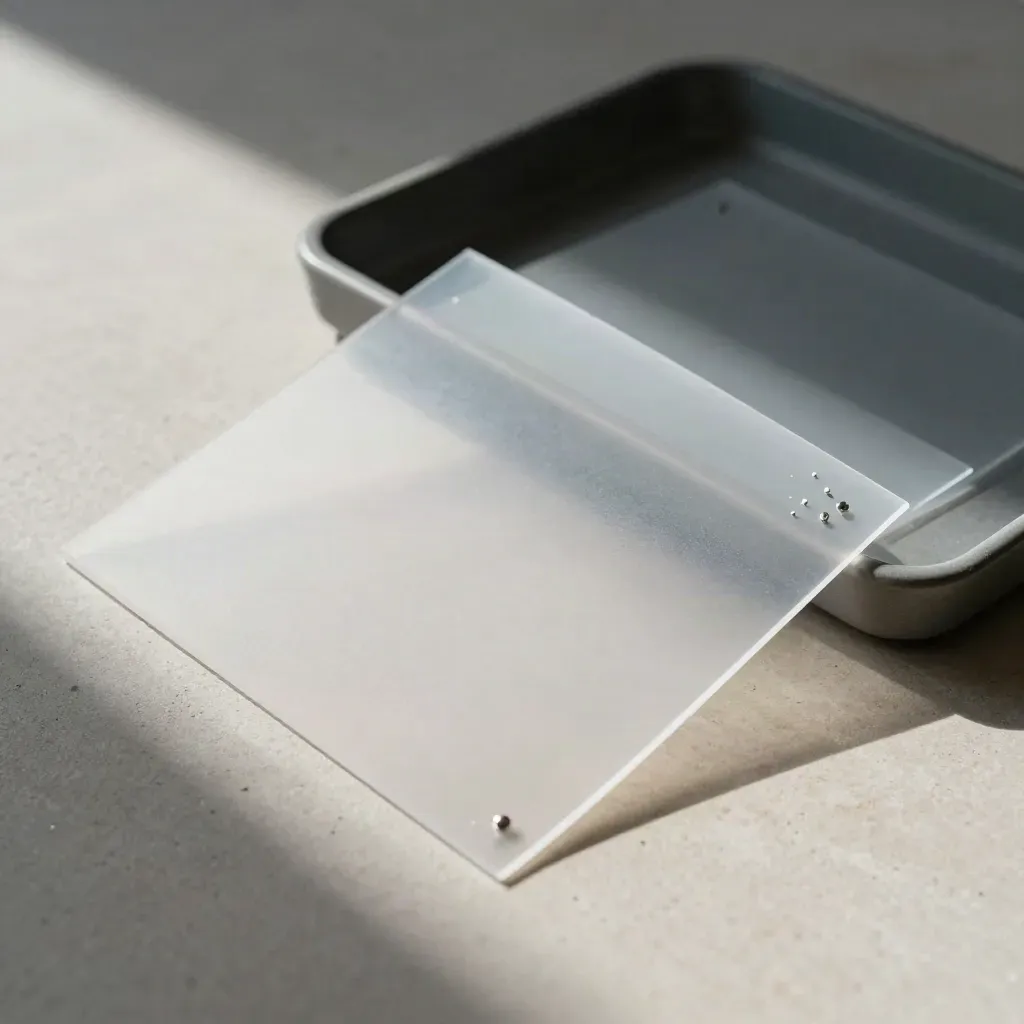
Frosted acrylic review sheets with teal tabs and a prototype corner on a dark concrete ledge
022 calls

Mentor Feedback Sessions

From $179

Bring your app and get direct notes on code, screens, and next steps.

Sealed prototype launch kit with pouch, foam inserts and metal key on travertine pedestal
033-week prep

Launch Prep Track

From $399

Clean up your app, write store copy, and plan the first release.

COURSES AND COACHING

Training Paths That Fit

Pick beginner app dev, UI lessons, no-code build, or launch prep.
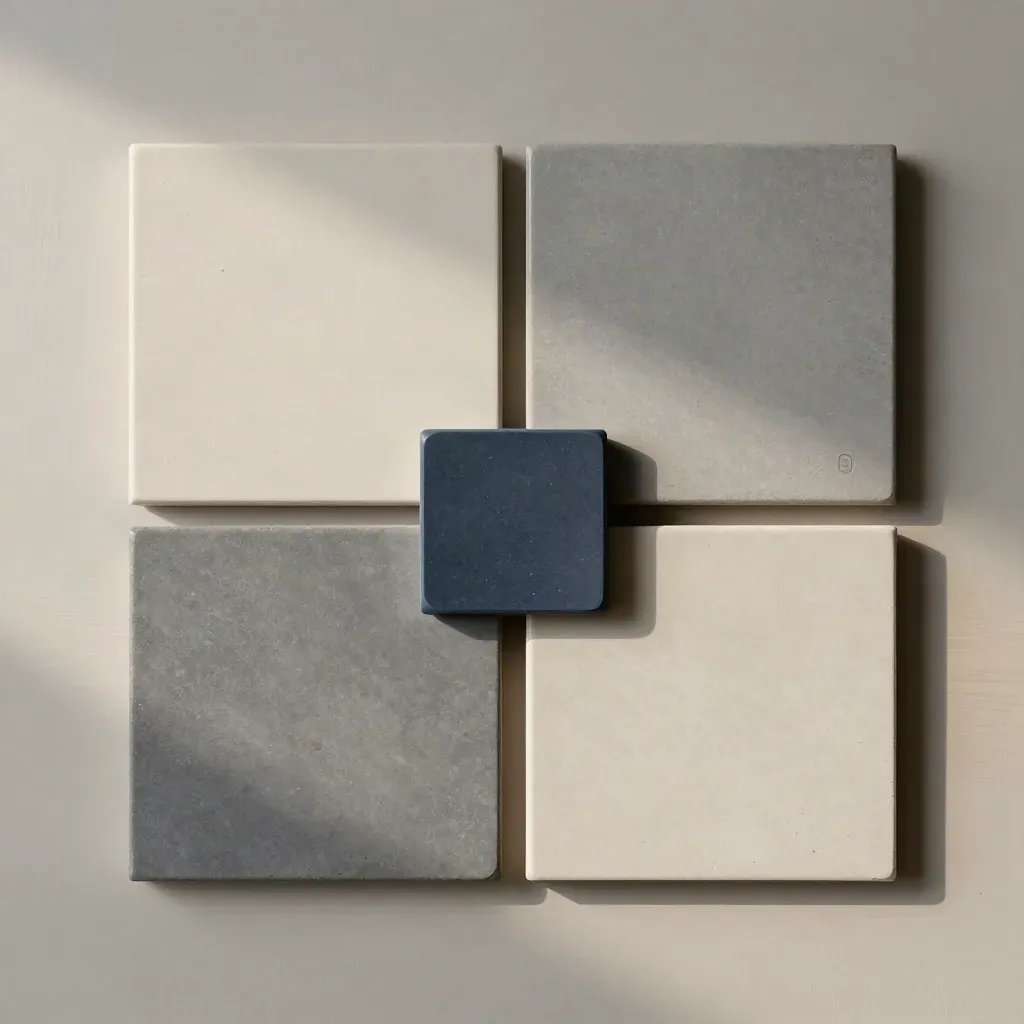
Top-down flatlay of app-path tiles with a central selector stone on pale wood.
01

Choose Your Track

Pick beginner app dev, UI lessons, no-code build, or launch prep.
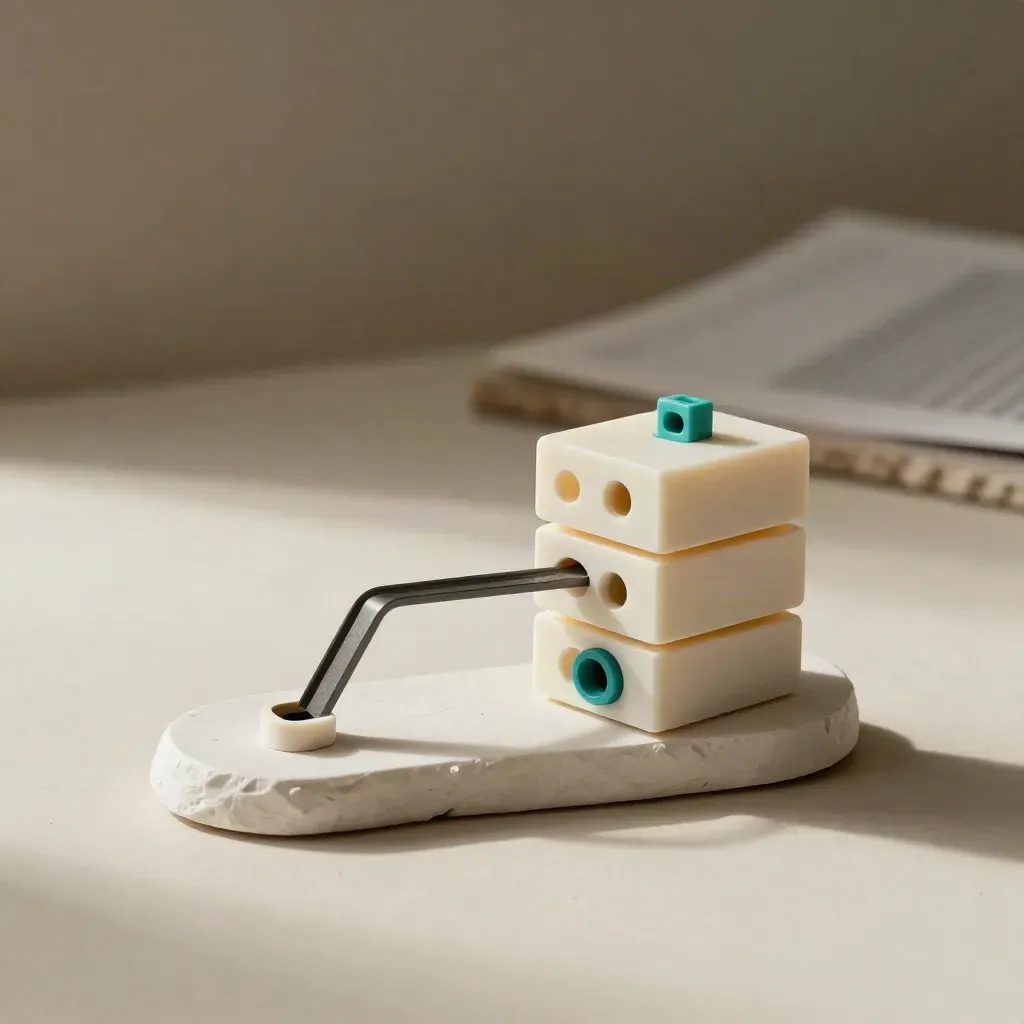
Prototype app shell blocks with graphite bridge on a plaster sweep, lit softly from one side.
02

Build The App

Follow short lessons and make a real app page, flow, or working feature.

Frosted review sheets and pins in a graphite tray on stone, lit by soft side light.
03

Get Mentor Notes

Send your work, get clear feedback, and fix the parts that slow you down.

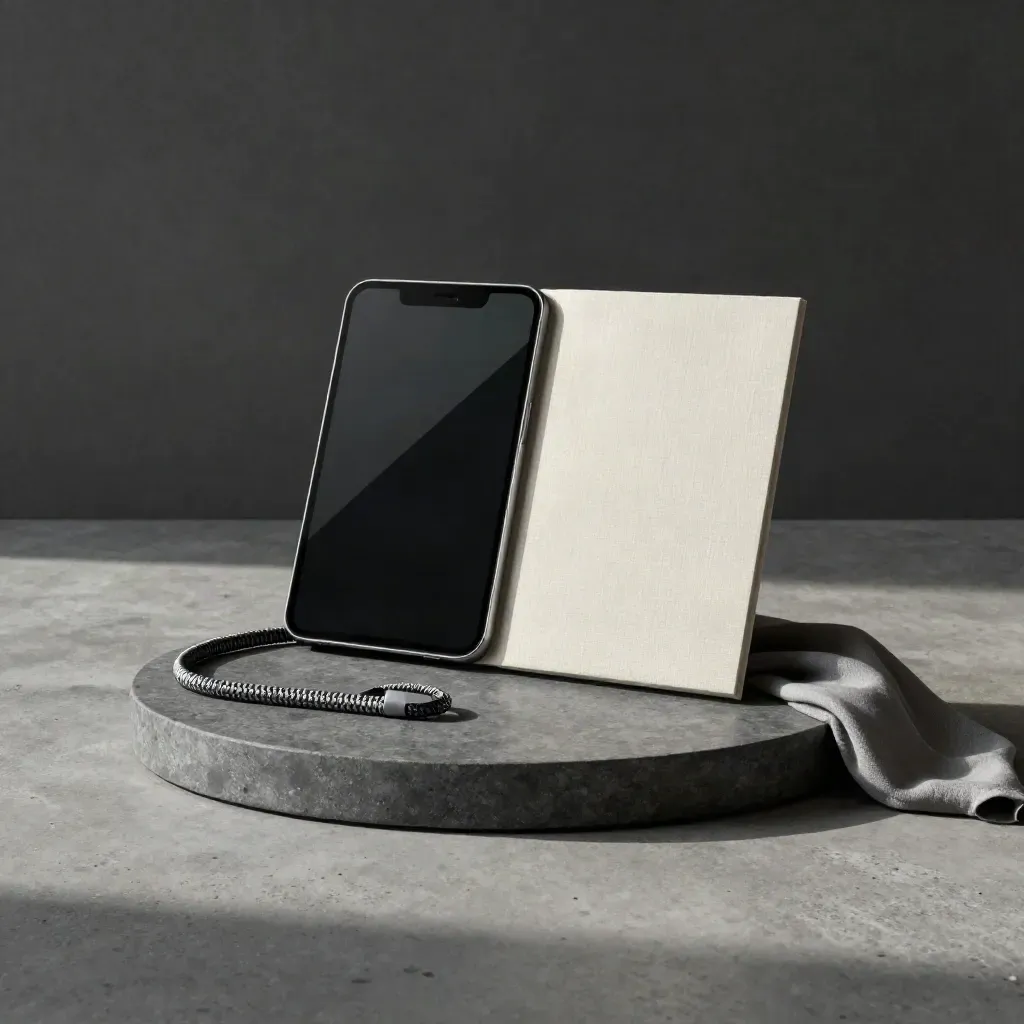
Stone tray with app mockup shell, certificate folder, and cable loop on a concrete surface.
04

Show Your Work

Finish with a demo, a certificate track, and a plan for the next release.

STUDENT RESULTS

Real Apps, Clear Wins

Beginner app lessons Two no-code labs One project workshop Course notes and checklists End-of-class certificate

Billed monthlyBilled monthly

Starter

From $199/mo

  • Beginner app lessons
  • Two no-code labs
  • One project workshop
  • Course notes and checklists
  • End-of-class certificate
Most popularBilled monthly

Signature

From $499/mo

  • Eight app lessons
  • Four mentor reviews
  • Mobile UI critique calls
  • Two no-code build labs
  • One launch prep session
  • Certificate track review
Billed monthlyBilled monthly

Scale

From $999/mo

  • 16-week cohort plan
  • Weekly mentor office hours
  • Three app audits
  • Team UI review meeting
  • Launch checklist sprint
  • Private founder Q&A

WHAT CLIENTS SAY

Words From App Builders

A student built a study planner and got 120 beta sign-ups.
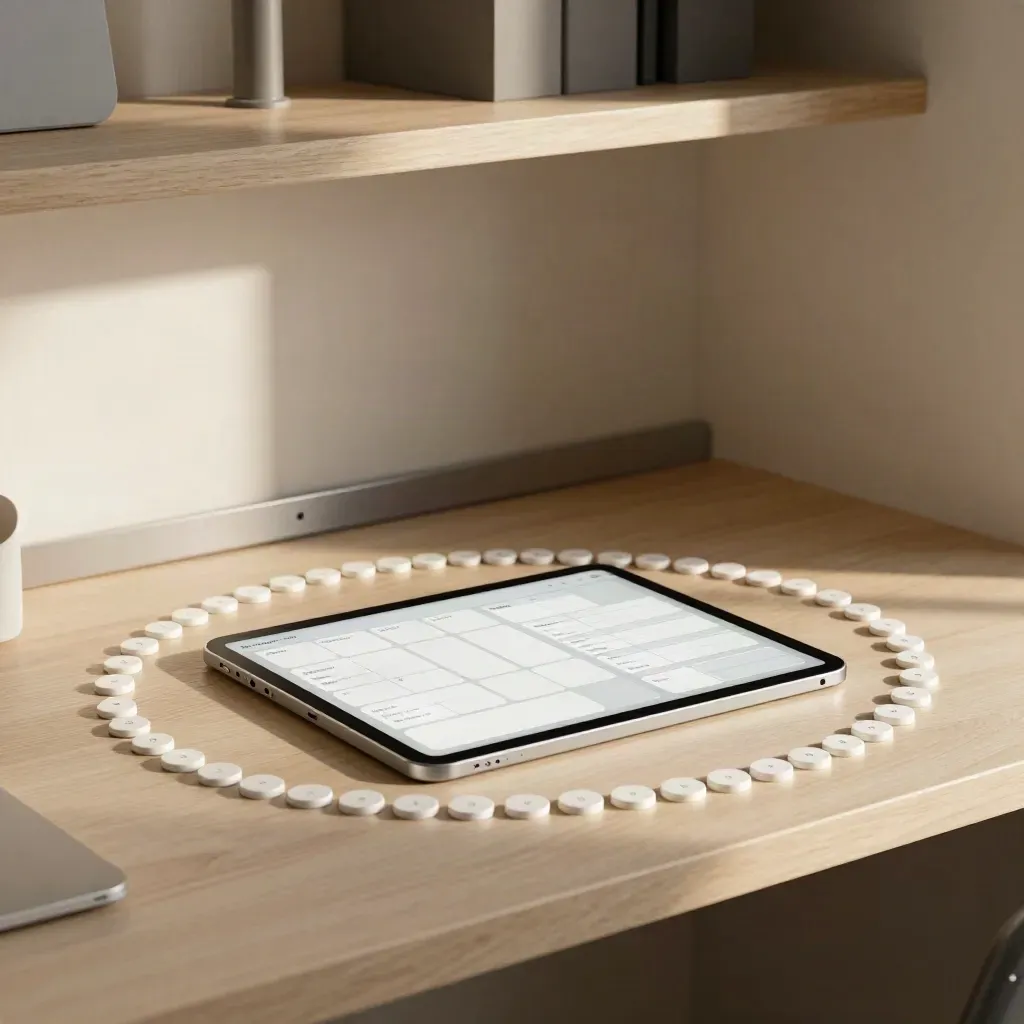
Finished study-planner prototype ringed by white tokens in a warm alcove.

Students

First App in Six Weeks

A student built a study planner and got 120 beta sign-ups.
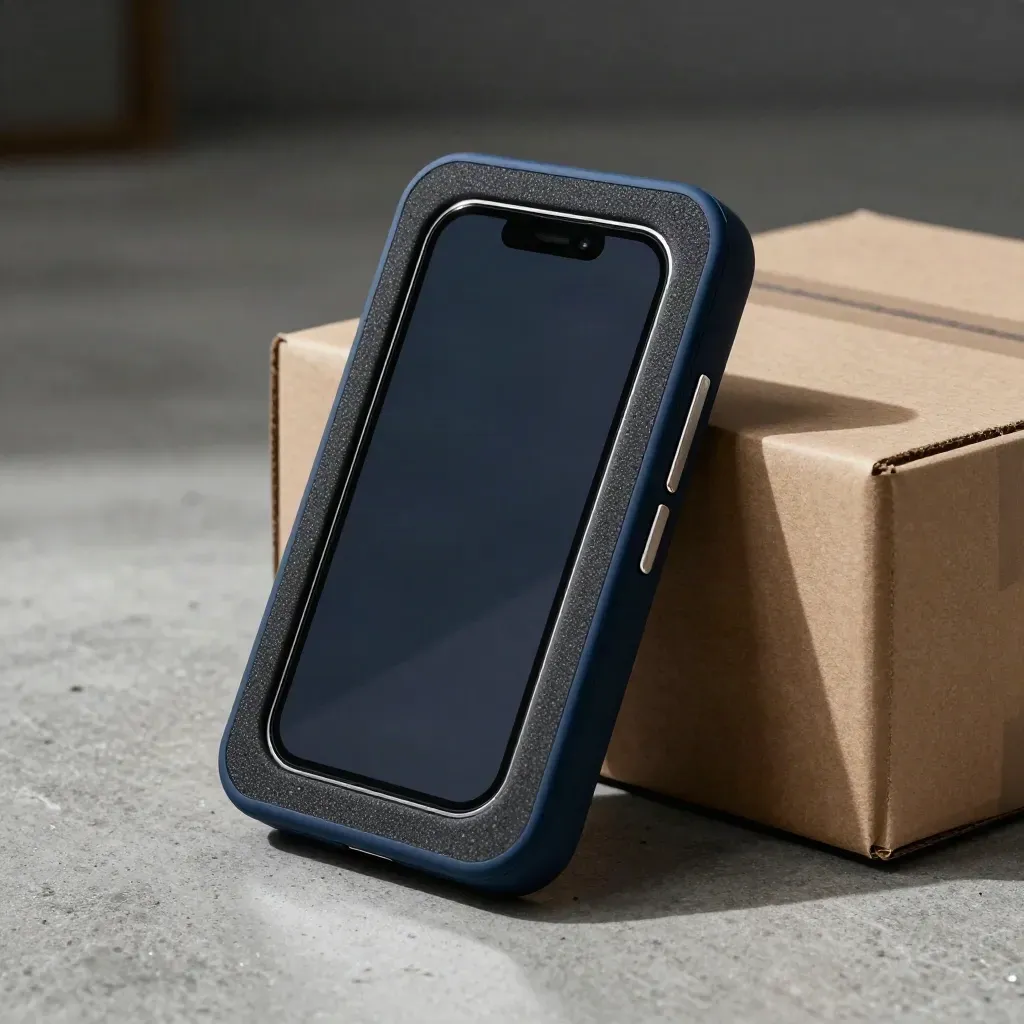
Macro of a booking-app prototype nestled in foam beside a sealed shipping box, lit dramatically.

Founders

Founder Ships MVP

Quiet entry nook workstation with a closed laptop, lamp glow, and work tote by a doorway.

Career Changers

Career Switch Pays Off

Rounded app interface slabs under a curved light strip on a pewter rail.

Mobile UI

UI Fixes Cut Drop-Off

Three glowing prototype devices on a bronze riser in a dramatic live demo setup.

Teams

Team Demo Goes Live

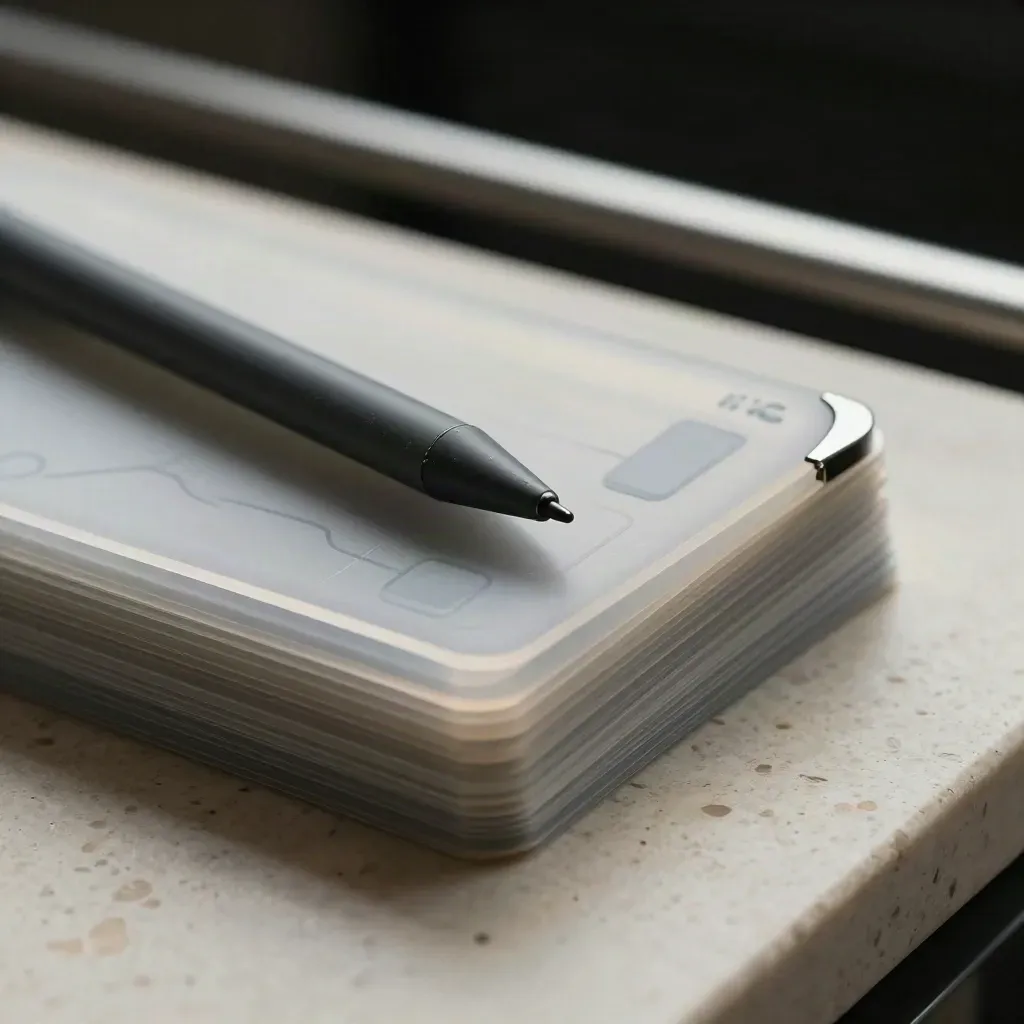
Macro still life of app-flow cards, stylus, and a worn prototype edge on travertine

Swift basics and app plans

Maya Chen

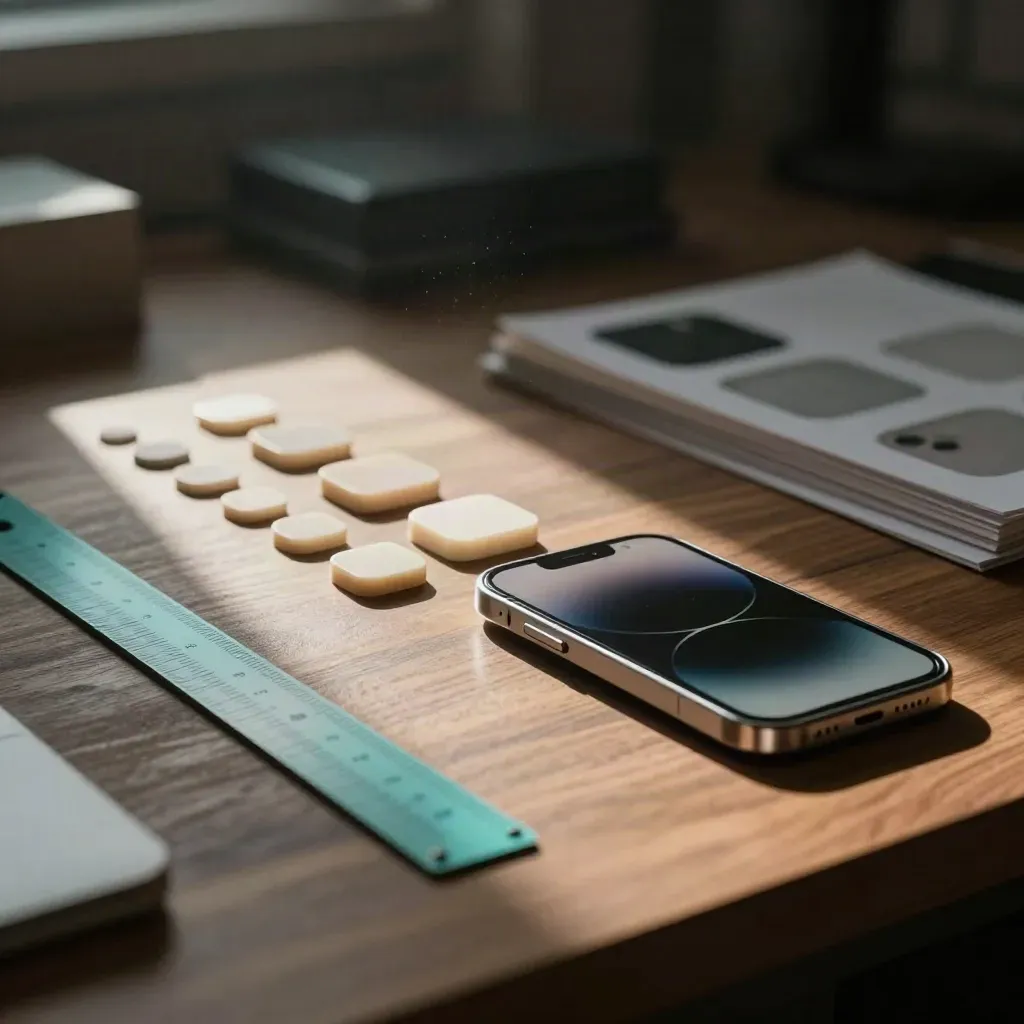
Rounded button blanks, calibration chips, and a phone bezel sample on a walnut bench.

Layouts, flows, and reviews

Daniel Brooks

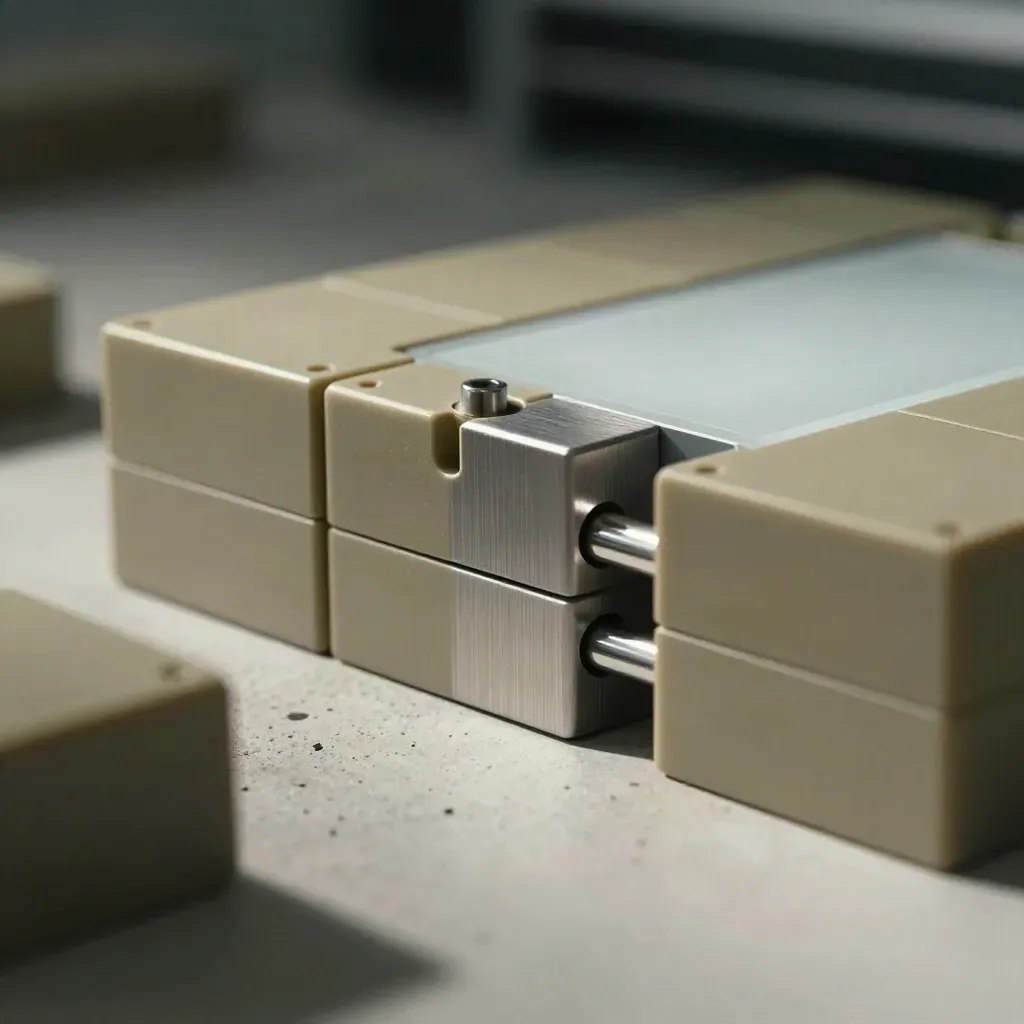
Macro of modular app blocks and connector pins joining beside a frosted white tile on a concrete bench.

Glide, Bubble, and data

Sofia Alvarez

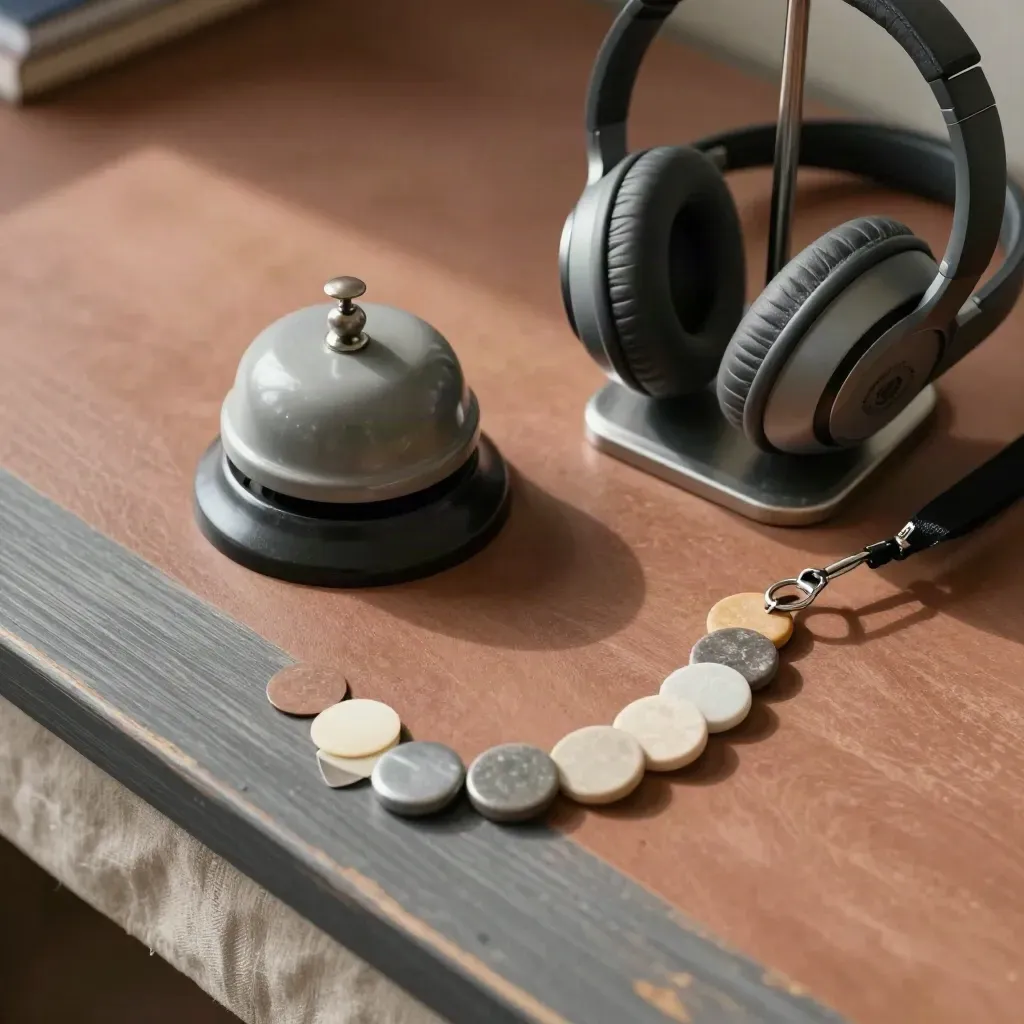
Top-down support desk still life with bell, headset, lanyard and progress tokens on ash and terracotta.

Feedback, plans, and support

Noor Patel

Proof

Customer notes

Verified

I went from no idea to a simple app in six weeks, and the notes were clear.

Macro still life of app-flow cards, stylus, and a worn prototype edge on travertine

Lena Morris

Product Lead, North Dock

Verified

The UI lessons fixed my screen layout fast. My app looked better the same day.

Rounded button blanks, calibration chips, and a phone bezel sample on a walnut bench.

Andre King

Founder, Peak Cart

Verified

I liked the step order. Build, get notes, fix, then show the work.

Macro of modular app blocks and connector pins joining beside a frosted white tile on a concrete bench.

Priya Shah

Career Changer, Metro Office

Service area

United States

New York, Austin, Chicago, Seattle, Los Angeles

Lower Manhattan skyline at dawn over misty river water, wide and atmospheric.

Area 01

United States

New York, Austin, Chicago, Seattle, Los Angeles

Vancouver skyline and mountains in golden fog above a calm misty waterfront

Area 02

Canada

Toronto, Vancouver, Montreal, Calgary

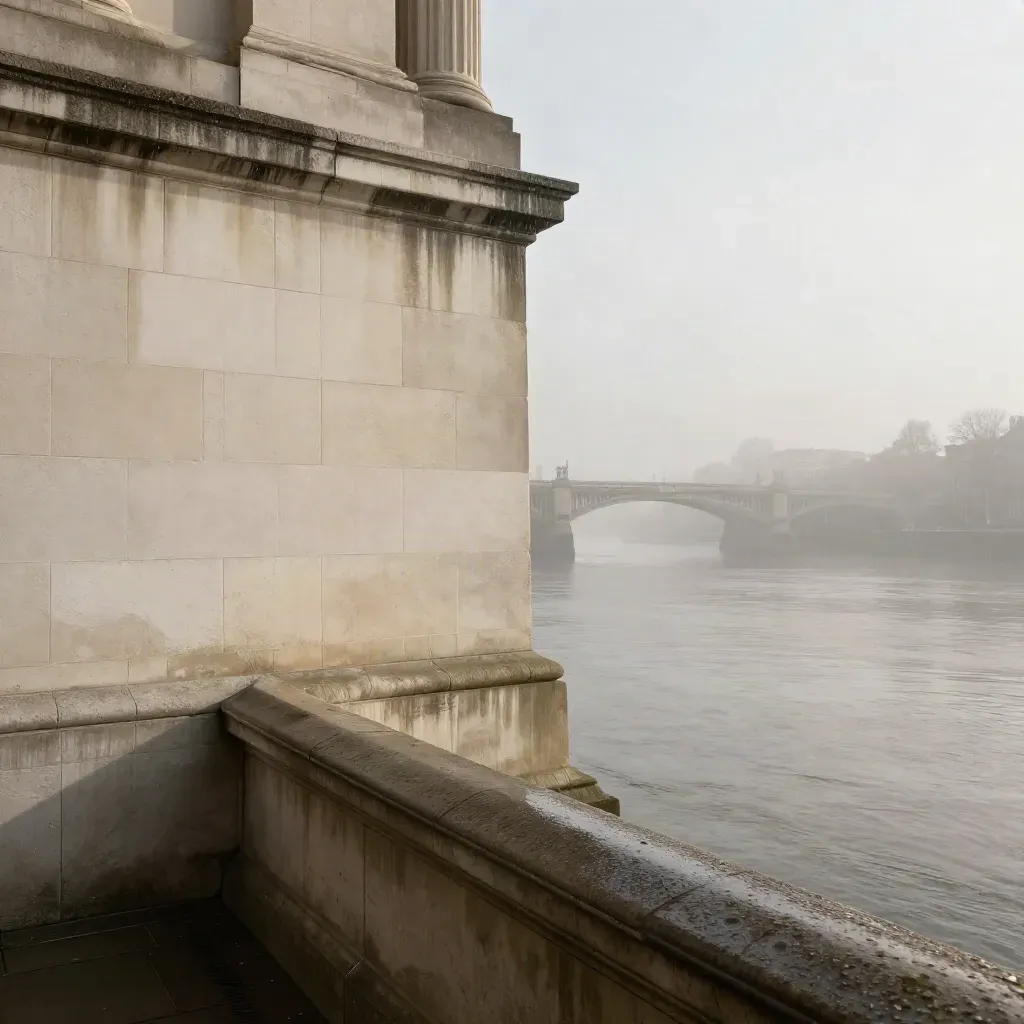
Pale limestone London riverfront in fog with a distant bridge above a calm misty Thames.

Area 03

United Kingdom

London, Manchester, Birmingham, Bristol

Sydney Harbour sunrise with the Opera House and bridge above calm misty water

Area 04

Australia

Sydney, Melbourne, Brisbane, Perth

The Map

Questions

Common Questions

Quick answers before visitors choose a product, service, or next step.

01Is Appier School good for beginners?+

Yes. We start with simple app terms, short lessons, and small builds, so new learners can keep up from day one.

02Do you teach no-code and code?+

Yes. You can start with no-code builds, then move to coding workshops later on when you want more control.

03Will I get mentor feedback?+

Yes. Most tracks include mentor notes on screens, logic, and launch steps, so you know what to fix.

04Can I earn a certificate?+

Yes. Finish the required lessons and project work, then get a certificate track review before you finish.

05How fast can I finish?+

Many students finish Starter in six weeks, but you can move faster or slower based on your schedule.

06Do you help with launch?+

Yes. The launch prep track covers app store copy, screenshots, and a clear first-release plan for your app.

Get App Notes

Get short app lessons, build tips, and class updates in your inbox each week.